Choosing a web platform feels straightforward until you’re actually doing it. The types of small business web solutions on the market range from drag-and-drop builders costing under $20 a month to fully bespoke platforms requiring a five-figure investment. The gap between those options is enormous, and picking the wrong one costs you time, money, and customers. This guide breaks down every major category, what each one actually delivers, and how to match the right solution to where your business is right now.
Table of Contents
- Key takeaways
- How to evaluate types of small business web solutions
- 1. DIY website builders
- 2. Ecommerce-specific platforms
- 3. Managed web solutions with ongoing support
- 4. WordPress-based solutions
- 5. Custom agency web development
- 6. Comparison: which solution fits your situation
- My honest take on choosing a web solution
- How Pixeldev builds web solutions that last
- FAQ
Key takeaways
| Point | Details |
|---|---|
| Three core solution types | DIY builders, managed monthly services, and custom agency builds each serve different budgets and needs. |
| Cost is more than upfront price | Ongoing maintenance, hosting, and support fees determine real long-term value. |
| Platform fit drives growth | The wrong platform limits your ability to scale and creates avoidable technical headaches. |
| Managed services offer real value | A monthly managed plan often beats a large upfront build when total ownership costs are counted. |
| Custom builds suit complex needs | Bespoke development pays off when your business has unique workflows or serious scaling plans. |
How to evaluate types of small business web solutions
Before comparing platforms, you need a clear set of criteria. Otherwise you end up buying what sounds impressive rather than what actually works for your situation.
Here are the factors worth measuring every solution against:
- Cost structure. Pricing models vary widely: DIY builders run $17 to $30 per month, managed monthly services sit around $99 per month, and custom agency builds typically start at $3,000 and climb past $10,000.
- Technical skill required. Some platforms need zero coding knowledge. Others assume you have a developer on call. Be honest about your team’s capabilities before committing.
- Scalability. Can the platform grow with you? A tool that works for five products might buckle under five hundred.
- SEO and marketing capability. Your website is only valuable if people can find it. Check whether the platform gives you control over meta tags, page speed, and structured data.
- Ownership and vendor lock-in. Some platforms make it painful to leave. If you ever want to migrate, will you own your content, data, and design assets outright?
- Support availability. Hosting providers with 24/7 live support prevent costly downtime and simplify platform transitions.
Pro Tip: Shortlist your domain name early. Domain strategy affects SEO and branding long-term, and good names disappear fast. Lock in a few options before you commit to a platform.
1. DIY website builders
DIY builders are the fastest way to get a business online. Platforms like Wix and Squarespace use drag-and-drop editors, which means no code, no developer, and no waiting. You can have something live in an afternoon.

Wix suits solopreneurs and service providers who need a clean, professional-looking site quickly. Squarespace is the go-to for businesses that put design first, particularly those with small product catalogues or strong visual branding. Both platforms handle hosting and basic security automatically, which removes a genuine headache for first-time website owners.
The limitations become apparent as your business grows. Advanced customisation is restricted by the platform’s templates and plugin library. If you need a specific booking workflow, a custom pricing calculator, or tight integration with an unusual CRM, you’ll hit walls quickly. Most DIY platforms push expensive upgrades as your needs grow, which erodes the affordability that made them attractive initially.
DIY builders work best for:
- Sole traders and consultants launching their first site
- Businesses with simple service offerings and no complex transactions
- Owners who need to update content themselves without technical help
- Startups testing an idea before committing to a bigger investment
2. Ecommerce-specific platforms
If selling products online is your primary goal, generic website builders often fall short. Dedicated ecommerce platforms are built from the ground up for retail and handle inventory, payments, shipping, and tax in ways that DIY builders simply can’t match.
Shopify leads for retail businesses with more than 20 products or multichannel selling needs. It handles payments, shipping integrations, and inventory at scale. WooCommerce, which runs on WordPress, offers more flexibility for developers who want granular control over every part of the shopping experience. You can see how these platforms interact in practice through the SquareSync case study, which demonstrates what syncing Square and WooCommerce actually looks like for a real business.
The key distinction from general builders is depth. Ecommerce platforms support product variants, discount rules, abandoned cart recovery, and detailed sales analytics. These aren’t features you bolt on later. They’re built into the architecture.
Choosing the wrong ecommerce platform limits growth. Shopify suits volume sellers. Squarespace suits design-led businesses with smaller catalogues. WooCommerce suits those who want full technical control. Match the platform to where your business is heading, not just where it sits today.
3. Managed web solutions with ongoing support
Managed monthly web services occupy a genuinely interesting middle ground. You get professional design, hosting, SSL certificates, security updates, and ongoing support, all bundled into a predictable monthly fee. You don’t touch the technical side. Someone else handles it.
Managed solutions typically deliver sites within one to eight weeks, depending on complexity. That timeline is competitive with DIY builds when you factor in the back-and-forth of setting everything up yourself. The monthly fee covers what most small business owners forget to budget for: maintenance, security patches, and the hours spent troubleshooting when something breaks.
The value proposition is straightforward. A $99 per month managed service often delivers better long-term outcomes than a $5,000 upfront custom site because the ongoing costs of hosting, security, and updates are included rather than billed separately. You know exactly what you’re paying every month, and you have someone to call when anything goes wrong.
Pro Tip: Ask any managed service provider whether they include unlimited content updates in their monthly fee. Some cap the number of changes per month, which adds friction exactly when your business needs to move fast.
Managed services suit:
- Business owners who want a professional online presence without managing technical details
- Operators who can’t afford to have their site go down without immediate support
- Teams without in-house technical skills who still need a custom-looking result
- Businesses in growth mode that need reliability without the overhead of a development team
4. WordPress-based solutions
WordPress powers a significant portion of the web and deserves its own category. It straddles the line between DIY and professional, depending entirely on how you approach it.
Out of the box, WordPress requires more setup than Wix or Squarespace. You need hosting, a theme, plugins, and someone who understands how they interact. That sounds like more work, because it is. The payoff is complete ownership of your content and architecture, plus superior SEO capability. WordPress is the platform of choice for businesses that treat search visibility as a strategic priority.
The plugin ecosystem is vast. You can add booking systems, ecommerce functionality, membership areas, and learning management systems without commissioning a custom build. That flexibility is powerful, but it also creates complexity. Plugins conflict. Updates break things. Without someone managing the technical layer, a WordPress site can deteriorate quickly.
For small businesses with some technical appetite or access to freelance support, WordPress sits between DIY and full agency development. It offers control and SEO strength, and it scales further than most builders. The tradeoff is that you’re responsible for maintenance unless you pair it with a managed hosting arrangement.
5. Custom agency web development
Custom agency builds are the top of the market in terms of both cost and capability. A development agency creates your site from scratch, tailored exactly to your specifications, your brand, and your business workflows. Nothing is borrowed from a template.
The investment reflects that. Custom agency websites start around $3,000 for straightforward projects and regularly exceed $10,000 for anything complex. Timelines run from six weeks to several months. For many small businesses, those numbers are prohibitive. But for the right business, the custom route is the only one that makes sense.
Custom builds suit:
- Businesses with workflows that no off-the-shelf platform can handle
- Brands where design distinctiveness is a genuine commercial differentiator
- Operations planning to scale quickly and needing a platform that grows with them
- Businesses integrating their website with proprietary systems, databases, or APIs
Ownership is the strongest argument for custom development. You own the code. You’re not dependent on a third-party platform’s pricing decisions or feature roadmap. If the platform your competitor uses pivots, your site doesn’t change. The Avesa Health project demonstrates what a carefully built, custom web platform looks like for a service-oriented business with specific operational needs.
The risk is post-launch. A custom site needs ongoing maintenance, and that responsibility falls to you unless you have a continuing relationship with your developer.
6. Comparison: which solution fits your situation
This table puts the three main types side by side against the criteria that matter most for small business decision-making.
| Criteria | DIY builder | Managed monthly | Custom agency build |
|---|---|---|---|
| Monthly cost | $17–$30 | ~$99 | $0 (after upfront fee) |
| Upfront cost | Low | Low | $3,000–$10,000+ |
| Setup time | Hours to days | 1–8 weeks | 6 weeks to months |
| Technical skill needed | None | None | None (agency handles) |
| Customisation level | Limited | Moderate | Full |
| Ongoing support | Platform only | Included | Depends on contract |
| Scalability | Limited | Moderate | High |
| Best for | Solopreneurs, quick launches | Growing businesses wanting support | Complex or scaling businesses |
The decision comes down to three questions. How much technical involvement do you want? What is your realistic total budget over 24 months, not just upfront? And where does your business realistically need to be in two years? Answer those honestly and the right category becomes obvious.
My honest take on choosing a web solution
I’ve watched small business owners spend $8,000 on a custom build when a $99 per month managed service would have served them just as well for three years. I’ve also watched others squeeze every cent with a DIY builder, only to rebuild from scratch 18 months later when their business outgrew it completely. Both scenarios waste money. The difference is that one was over-ambitious and the other was under-planned.
The thing most articles won’t tell you is that the “best” platform is the one you can actually maintain and afford to keep running at full quality. A beautiful custom site that doesn’t get updated becomes a liability. A well-maintained managed site that looks slightly more templated will outperform it consistently.
What I’ve seen work repeatedly is matching the solution to the current stage of the business, not the aspirational future version. If you’re generating $300,000 a year and have a clear digital strategy, invest in custom development. If you’re at $80,000 and still figuring out your offer, a managed monthly service is almost always the smarter call.
The long-term cost of ownership is what most owners underestimate. Maintenance, security, and updates are not optional extras. They’re the cost of keeping a website functional. Factor them in from day one.
— Liam
How Pixeldev builds web solutions that last
If you’ve worked through the comparison above and know your business needs more than a template can deliver, Pixeldev is worth a conversation.
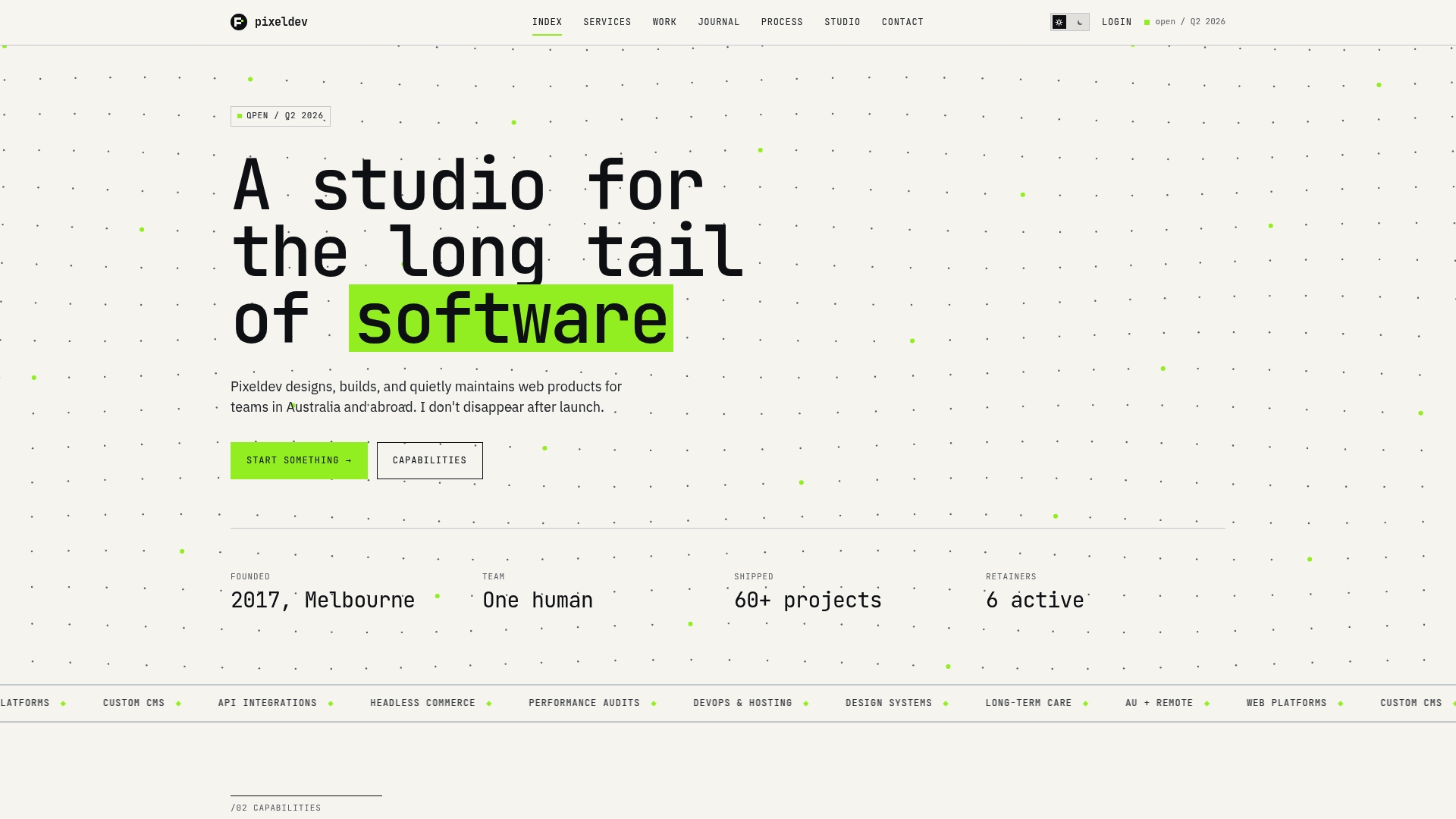
Pixeldev is a small, senior software development team based in Australia that builds custom web platforms designed to last years, not months. Every project runs from initial design through to active maintenance, which means you’re not left managing a complex system alone after launch. Their work spans everything from allied health businesses to ecommerce platform integrations, as shown in the OnCloudWine platform build. If your business has outgrown off-the-shelf solutions or needs something built to a specific operational requirement, Pixeldev builds the kind of system that holds up over time.
FAQ
What are the main types of small business web solutions?
The three main types are DIY website builders, managed monthly web services, and custom agency builds. Each differs in cost, technical complexity, and the level of support included.
How much should a small business expect to pay for a website?
Costs range from $17 to $30 per month for DIY builders, around $99 per month for managed services, and $3,000 to $10,000 or more upfront for custom agency builds.
When does a small business need a custom-built website?
Custom development makes sense when your business has workflows or integrations that no standard platform can handle, or when you’re planning to scale significantly within the next one to two years.
What is a managed web solution?
A managed web solution bundles custom design, hosting, SSL, security updates, and ongoing support into a monthly fee. The provider handles all technical maintenance so you don’t have to.
Which platform is best for small business ecommerce?
Shopify suits businesses selling more than 20 products or selling across multiple channels. Squarespace works for design-led brands with smaller catalogues. WooCommerce suits those who want full technical control over their store.